Thoughts on Filterstorm’s Release
As Filterstorm’s launch (hopefully April 3) approaches, I’ve been thinking a lot about pricing. Filterstorm was never meant to be a free, but it is going to be for a limited time. Without having ever used it on an actual iPad, it’s impossible for me to know how quickly it will run, and how the UI will feel. Beyond that, as I rushed to get it out the door for launch, there’s some bits of quirky behavior and missing features. Until I get these issues worked out, I will not charge.
Nikon 85mm f/2.8 PC tilt/shift
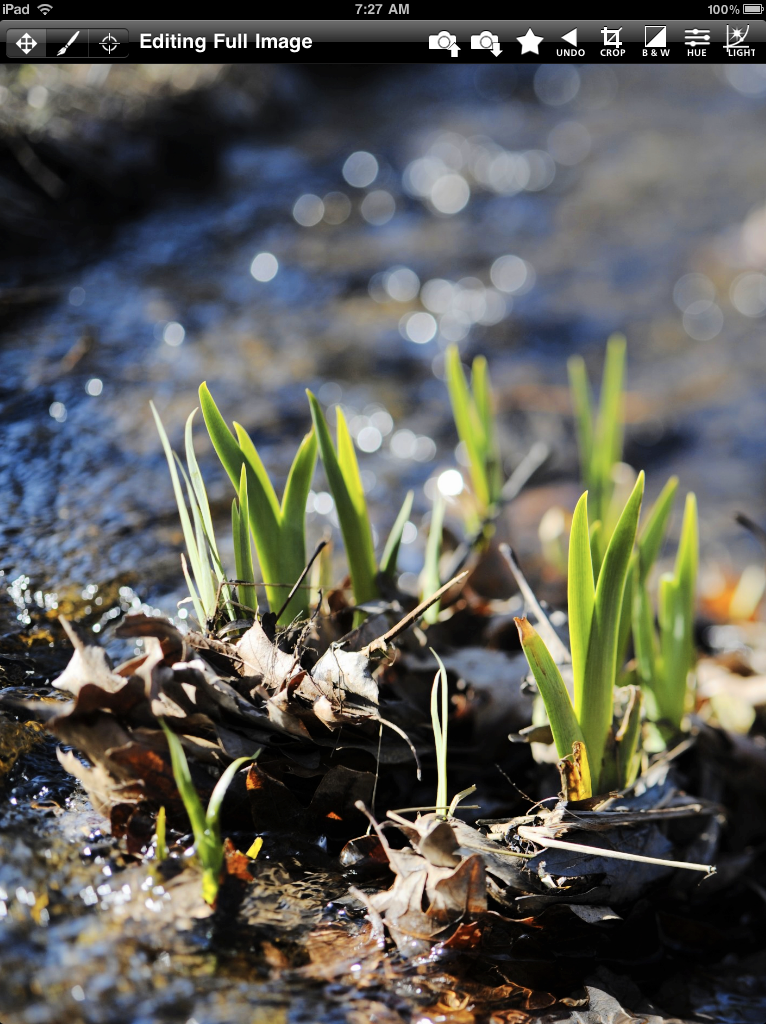
Once I do begin asking for money I expect to charge $9.99, but this is not final.
As to what features will be missing at launch, the most obvious one is image rotation, I simply haven’t yet had time to get to it yet. The cloning/healing tools are also MIA right now, and EXIF data is stripped from files when saved. Unfortunately, there’s no way I know around this limitation for when saving to the photo library, but I may add the ability to save files outside the photo library that contain the EXIF. RAW Support will not be in version 1, and probably not in version 2, either.
What is there, you may ask? Here’s a list:
- Brightness
- Contrast
- Curves (Luminance, RGB, Red, Green, Blue, Cyan, Magenta, Yellow)
- Hue/Contrast Sliders
- Saturation
- Black and White channel controls
- Vignetting
- Sharpening
- Box Blur
- Cropping/Scaling
- Posterize effect
- Brushes with adjustable size/hardness
- Color Range selection
In addition, all of the filters can be applied to the whole image, painted on via brush, or applied to the selected color range. You can see how some of it works in the tutorial I posted earlier.
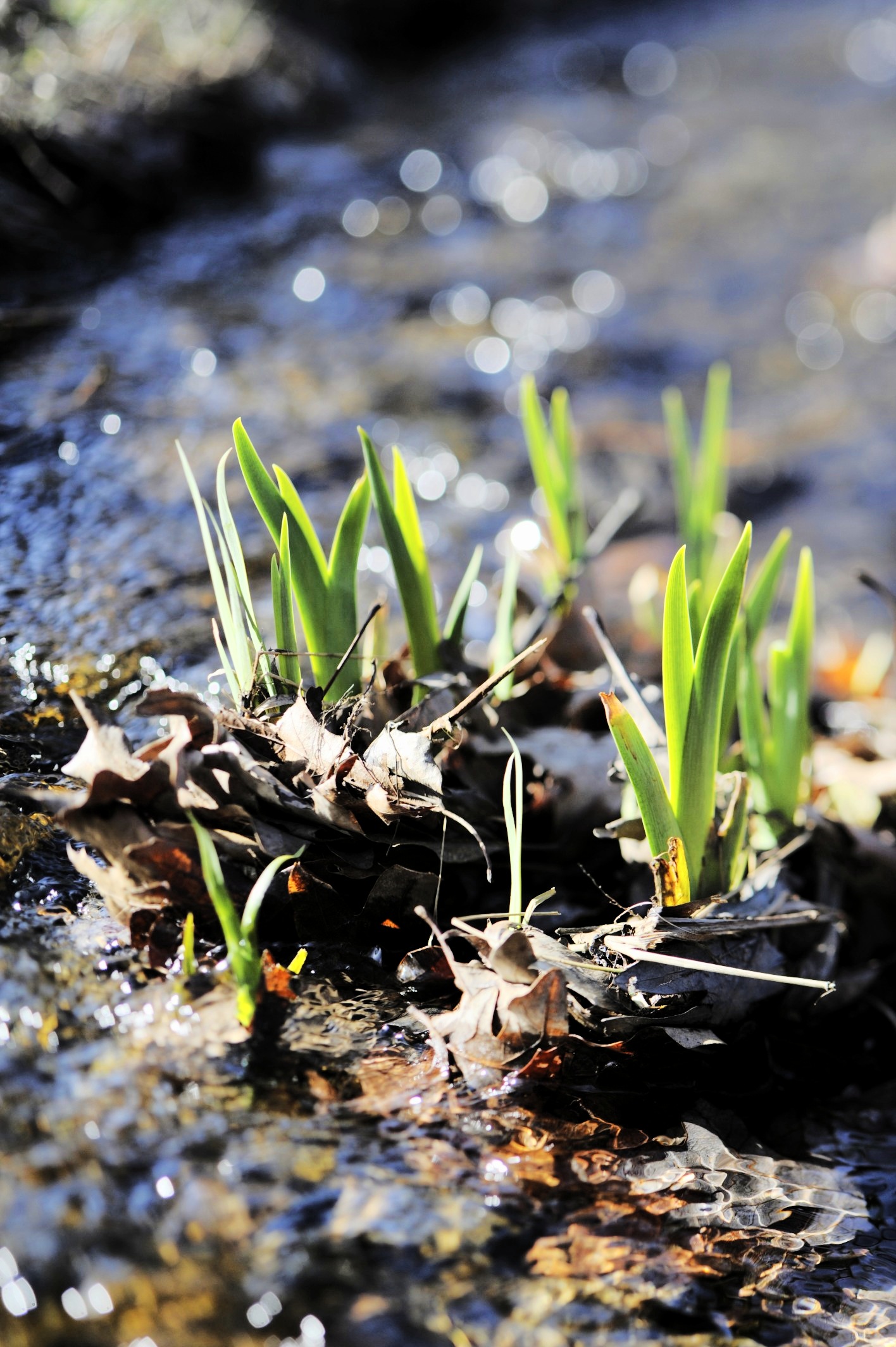
For those of you who, for whatever reason, cannot yet get an iPad and don’t care about Filterstorm news but want to see the photo, here’s a larger version.
Beta Tester
I am ready to be a beta tester! Downloaded and will have it installed as soon as I get my iPad on Saturday. Amazing interface!
Posted by Raf Perini (anon) on 2010-04-01 23:18:23.